The Platform Workflow, Step by Step
Overview
This is the repeatable influencer discovery workflow, the one you run for every campaign instead of starting from scratch each time.
It uses your competitors as a shortcut, because the creators already working in your category are the fastest path to relevant, deal-friendly names.
Run it top to bottom, and you'll finish with an exported, vetted shortlist.
The 8-Step Workflow
- Identify your competitors — List 3–5 brands that sell to the same customer you do.
- Track a competitor's mentions — Pick the most active competitor and see which creators tag and mention them — the fastest way to find influencers already active in your category.
- Pick a few seed profiles — From those mentions, choose three or four creators who clearly fit your profile.
- Find lookalikes — Use those seeds to surface creators with similar audiences and content.
- Apply your filters — Narrow the pool by audience location, age, size tier, and engagement rate.
- Check performance with SocialIQ — Use the free SocialIQ Chrome extension to see a creator's real engagement right on their profile. (Performance only — audience analysis comes next.)
- Save the profile and run the audience report — Save creators who pass into a named list. If audience fitness is in any doubt, generate a detailed audience insight report from the saved profile — demographics, engagement quality, and brand history.
- Export the list — Export your shortlist with contact details, ready for outreach.
Step 1 — Identify Your Competitors
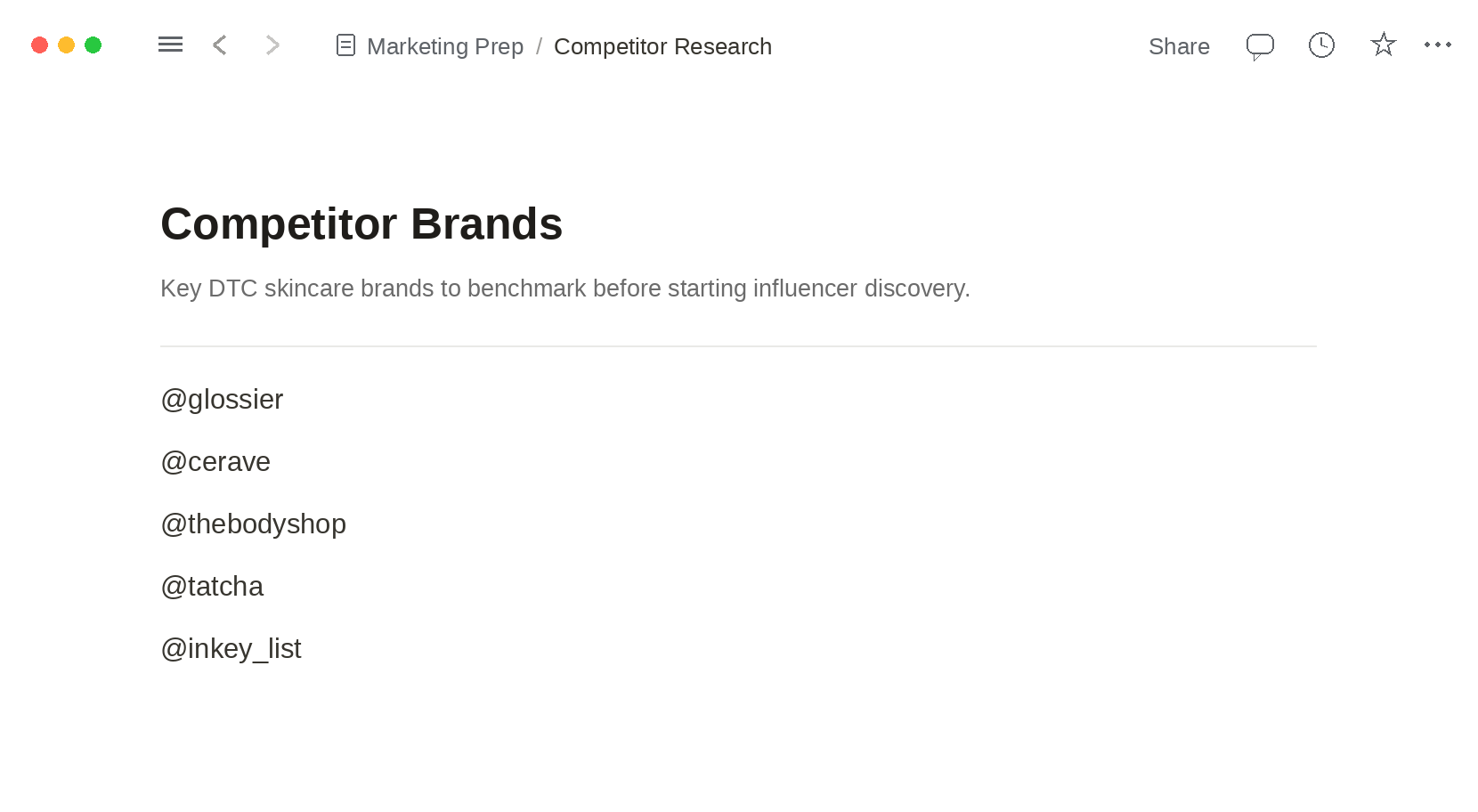
List 3–5 brands that sell to the same customer you do. These are your starting points; you'll mine their creators, not reinvent a search from zero.
Step 2 — Track a Competitor's Mentions
Pick the most active competitor and surface the creators who tag and mention them. These are warm, category-relevant names handed to you for free.
Step 3 — Pick a Few Seed Profiles
From those mentions, choose three or four creators who clearly match your ideal creator profile. These seeds power the next step.
Step 4 — Find Lookalikes
Feed those seeds into the platform's lookalike search to surface creators with similar audiences and content — expanding a few names into a real pool.
Step 5 — Apply Your Filters
Narrow the pool by audience location, age, size tier, and engagement rate. Reuse the spec from your ideal creator profile as your filter set.
Step 6 — Check Performance With SocialIQ
Use the free SocialIQ Chrome extension to see a creator's real engagement right on their profile. This is a fast performance gut-check — full audience analysis comes in the next step.
Step 7 — Save the Profile and Run the Audience Report
Save creators who pass into a named list. If audience fitness is in any doubt, generate a detailed audience insight report from the saved profile — demographics, engagement quality, and brand history. Decide on data, not a hunch.
Step 8 — Export the List
Export your shortlist with contact details, ready for influencer outreach. That exported list is the bridge from discovery to your first message.
Next up: how to keep all those saved creators organized in one place so the relationship doesn't fall apart after discovery.